


介绍
官方网站:https://everywhere.sylinko.com/zh-CN/
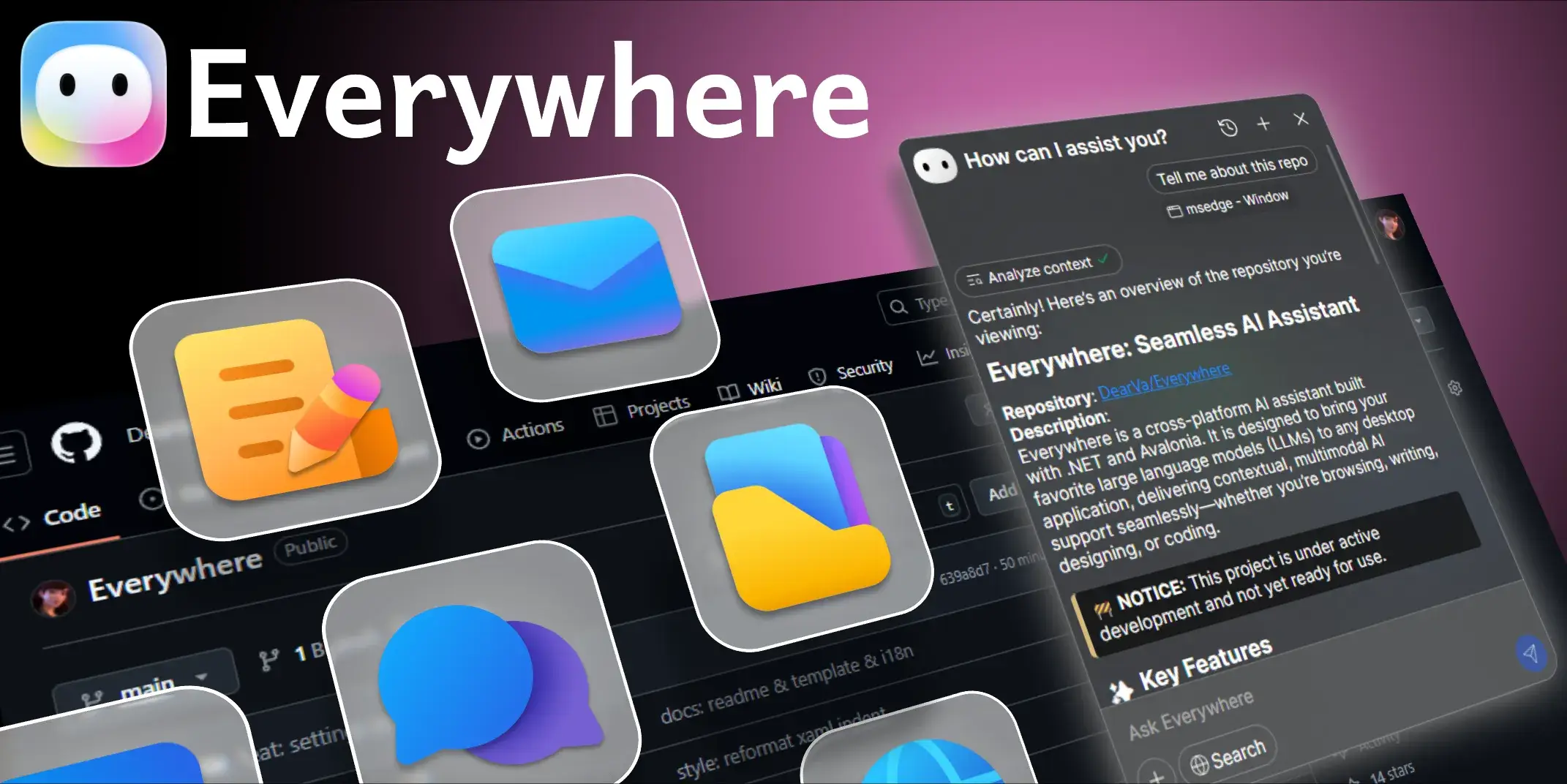
Everywhere 是一款具备情境感知能力的交互式 AI 助手,拥有简洁现代的用户界面和强大的集成功能。与传统 AI 工具不同,Everywhere 能即时感知并理解您屏幕上的任何内容。无需截图、复制或切换应用——只需按下快捷键,即可在当前位置获得所需帮助,实现无缝的 AI 助手支持。
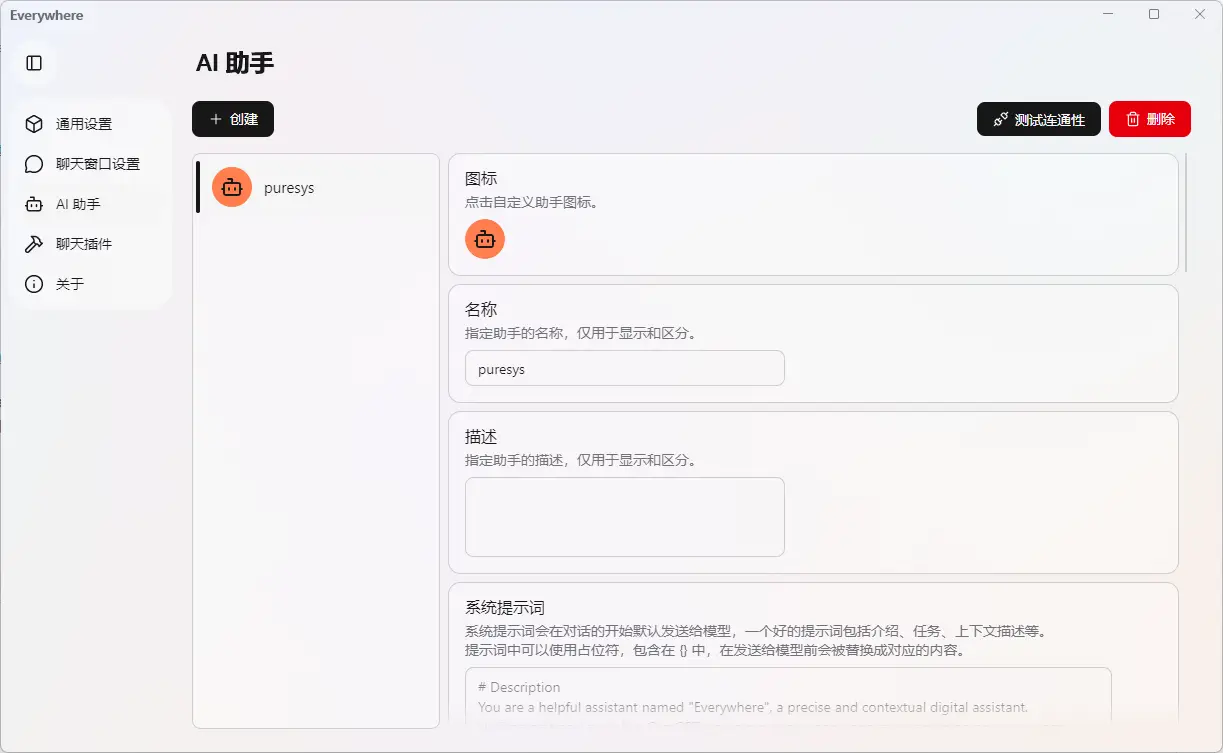
软件截图
软件特点
屏幕内容感知
智能识别当前界面内容,自动理解应用场景,随时响应操作。
多场景
支持一键提醒、网页摘要、即时翻译、邮件润色等丰富 AI 功能。
可扩展
基于 .NET 和 Avalonia,支持多种大模型和MCP工具。
无缝集成
原生桌面环境支持,键盘快捷键唤起,无需切换应用即可交互。
软件功能
❔ 疑难杂症专家
当您在使用电脑时,弹出了一个错误消息,但您不确定如何解决
📌 在错误消息旁唤起 Everywhere
🗣️ 命令: “这是什么错误?如何解决?”
✨ 结果: Everywhere 捕获消息上下文并给出解决方案
📰 快速网页摘要
您正在浏览一篇冗长的技术文章,但只需要了解关键要点
📌 在网页上唤起 Everywhere
🗣️ 命令: “给我一个简短的总结”
✨ 结果: 无需阅读整篇内容,立即获取主要论点
🌐 即时翻译
在研究过程中遇到外语文本
📌 在文本上唤起 Everywhere
🗣️ 命令: “把这个翻译成中文”
✨ 结果: 无需切换到其他应用,立即查看翻译结果
✉️ 邮件起草辅助
您正在撰写一封重要的商务邮件,但不确定语气是否恰当
📌 在草稿上唤起 Everywhere
🗣️ 命令: “让这封邮件更专业一些”
✨ 结果: 您的文本被转化为精炼的商务沟通内容
更新日志
v0.6.7
✨ Features
- Visual Context Supercharged: Introducing
get_visual_treetool. Your assistant can now call this tool to fetch on-screen elements freely, massively boosting its contextual comprehension and self-awareness capabilities. Note: This is an experimental feature and may not work perfectly with all secenarios. Feedback is highly appreciated! - Model Update: Removed the deprecated Gemini 3 Pro Preview model and added the newly released Gemini 3.1 Pro Preview.
🚀 Improvements
- Framework Upgrade: Updated the underlying MCP (Model Context Protocol) framework version, which may resolve previously reported edge-case issues (#232).
🐛 Bug Fixes
- Critical Context Fix (Windows): Fixed a fatal typo in the visual context extraction algorithm on Windows. This bug previously caused premature truncation of complex contexts, hiding crucial information below the selected element from the assistant.
- Resolved a rendering crash that could occur after enabling the text selection feature (#313).
- Fixed a random crash bug related to Grid layout calculations, bringing further stability to the application.
下载地址
2、本站永久网址:https://ooook.cn
3、本站文章内容可能来源于网络,仅供大家学习与参考,如有侵权,请联系Q/V:775182000。
4、本站一切资源不代表本站立场,并不代表本站赞同其观点和对其真实性负责。
5、本站一律禁止以任何方式发布或转载任何违法的相关信息,访客发现请向站长举报。
6、本站资源大多存储在云盘,如发现链接失效,请告诉我们,我们会第一时间更新。

















暂无评论内容